

Capturing a wonderful photograph requires excellent skills in photography. Enhancing it is another challenging story. The world of photography amazes each viewer of its distinct and indispensable beauty. On the other hand, distinguishing an original shot from an edited one is a tough thing to take into account. Nevertheless, an enhancing application or software gives handful of help in achieving quality pictures for any purpose it could serve.
Adobe Systems Inc. offers lots of software and applications that are convenient in everyday living. It could help in the attainment of desired goal especially in a particular workplace.
One of the popular software Adobe gives us service of is Photoshop. This software is used in photo editing. It permits users to adjust the details in a picture, some of which are photo resizing, cropping, recoloring, and other alternatives when it comes to digital editing. These become possible because of the different features that it has like brush manipulation, pen tool, luminance and color controls, group layering, variable fonts, quick share access and more.
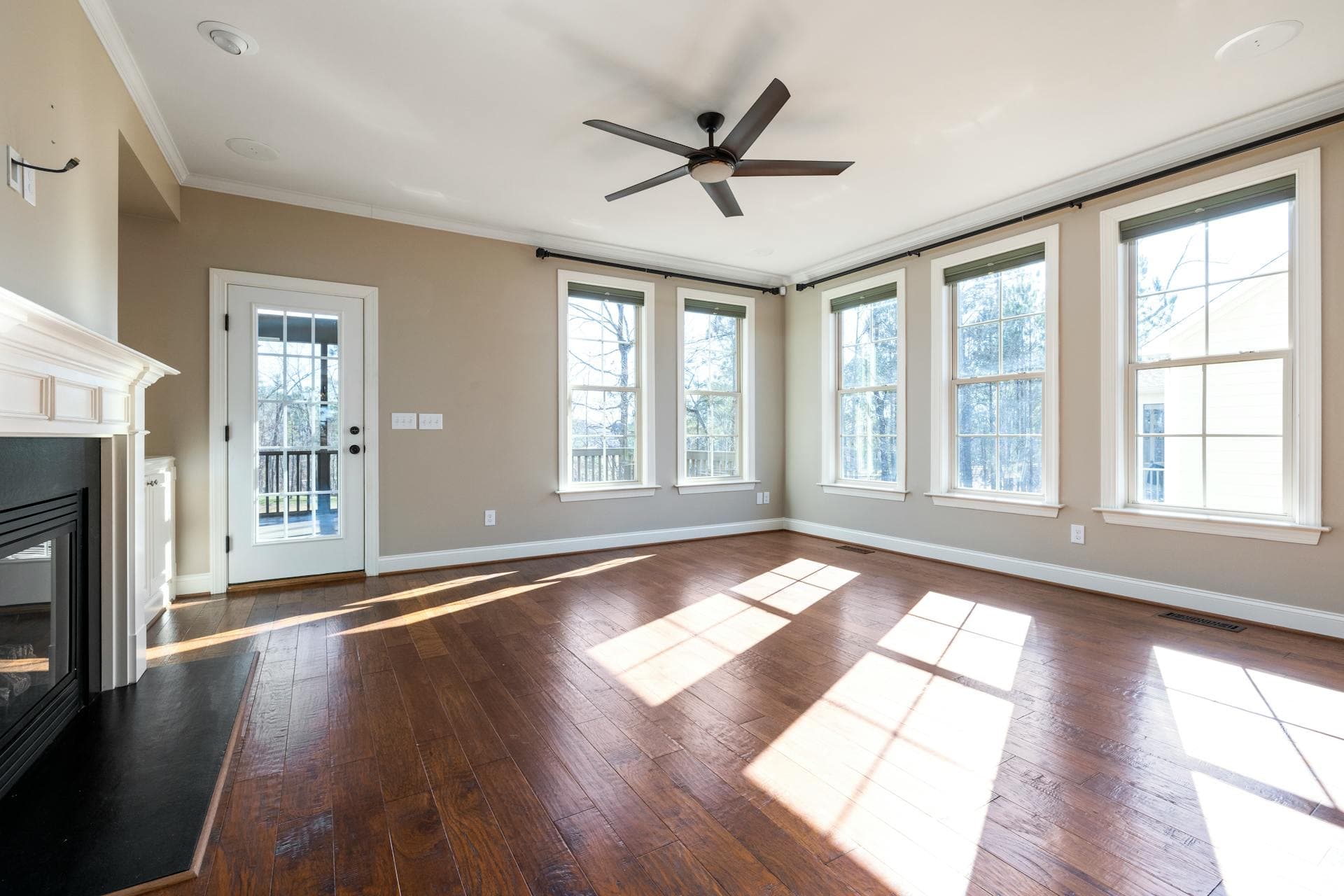
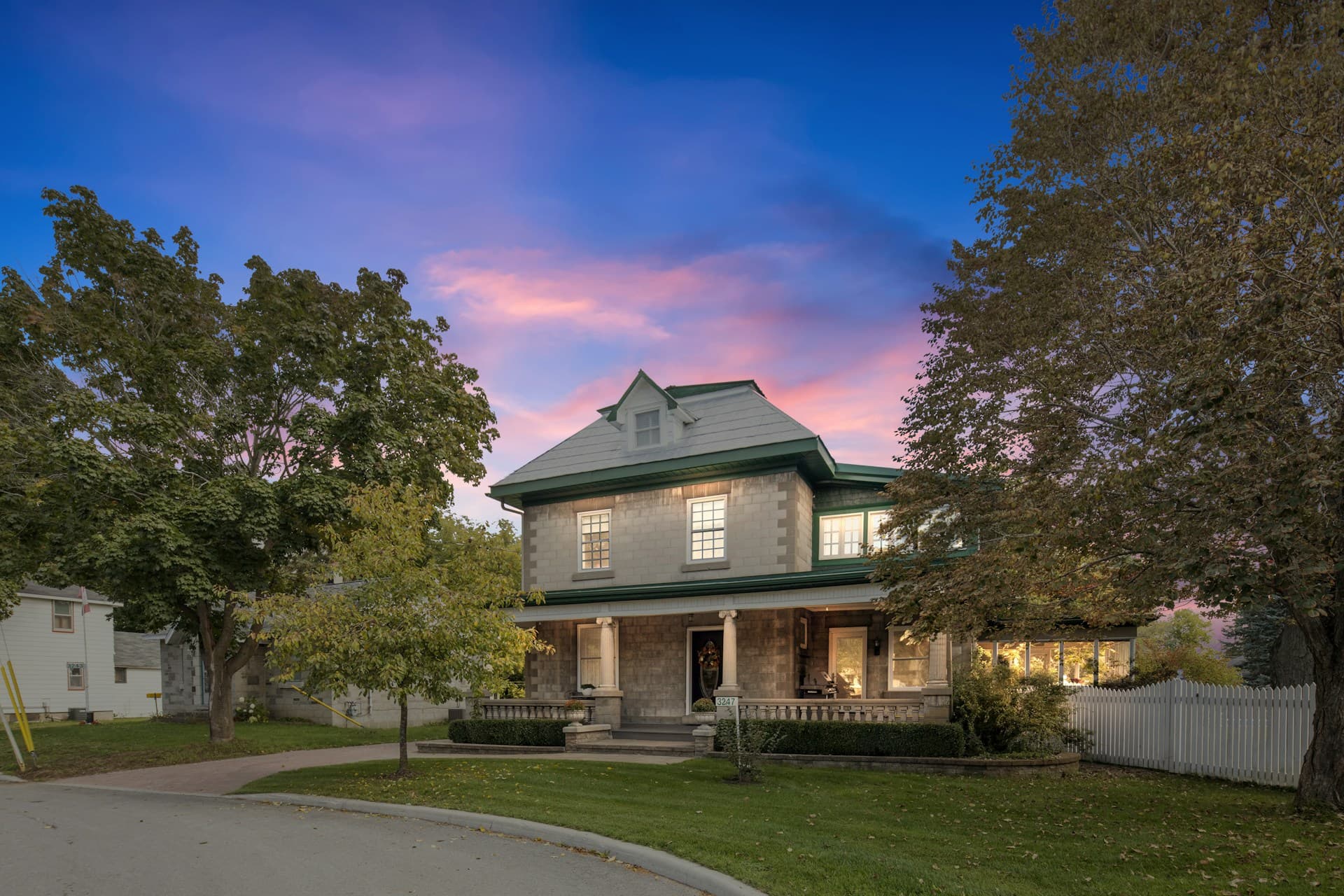
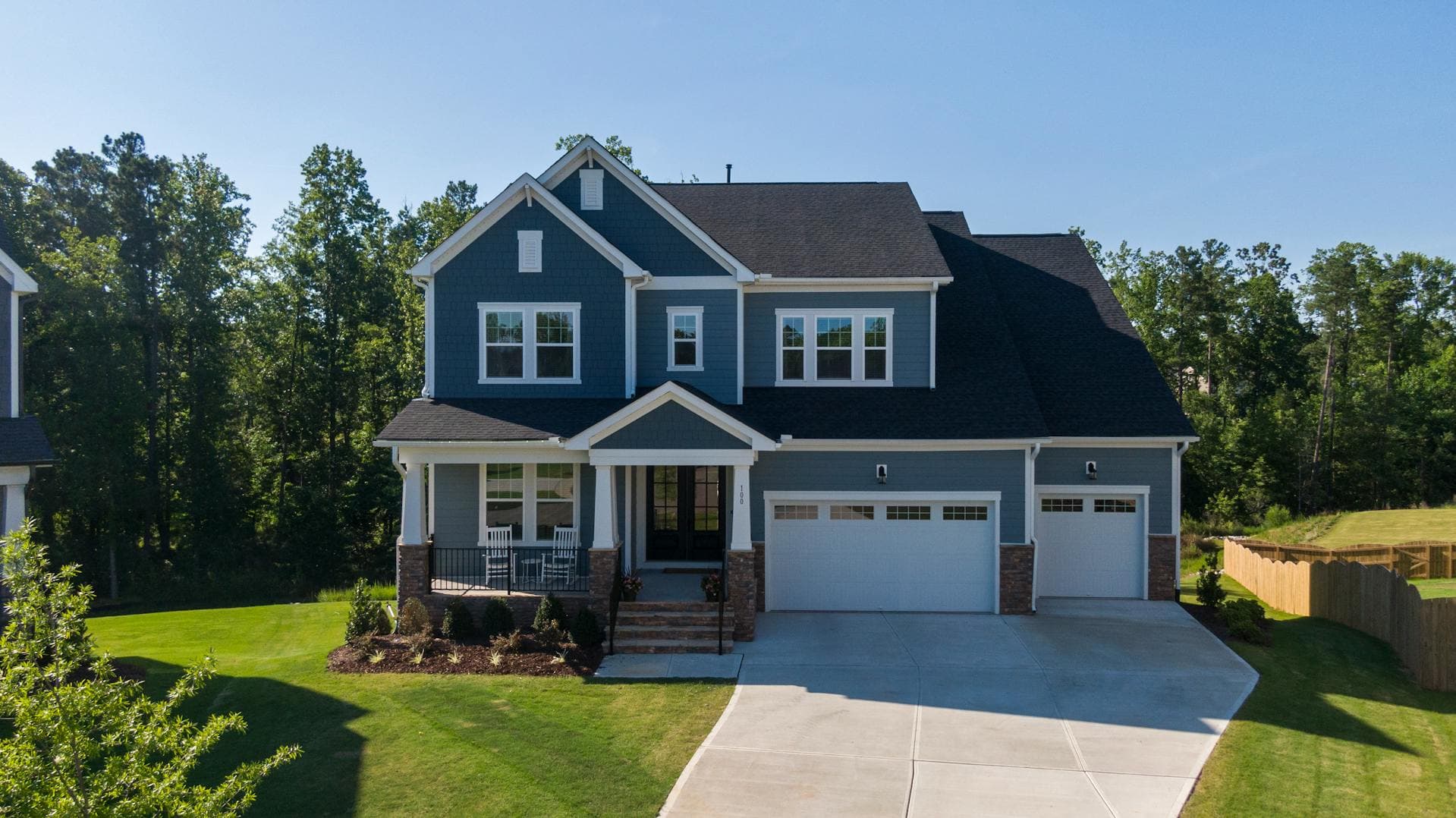
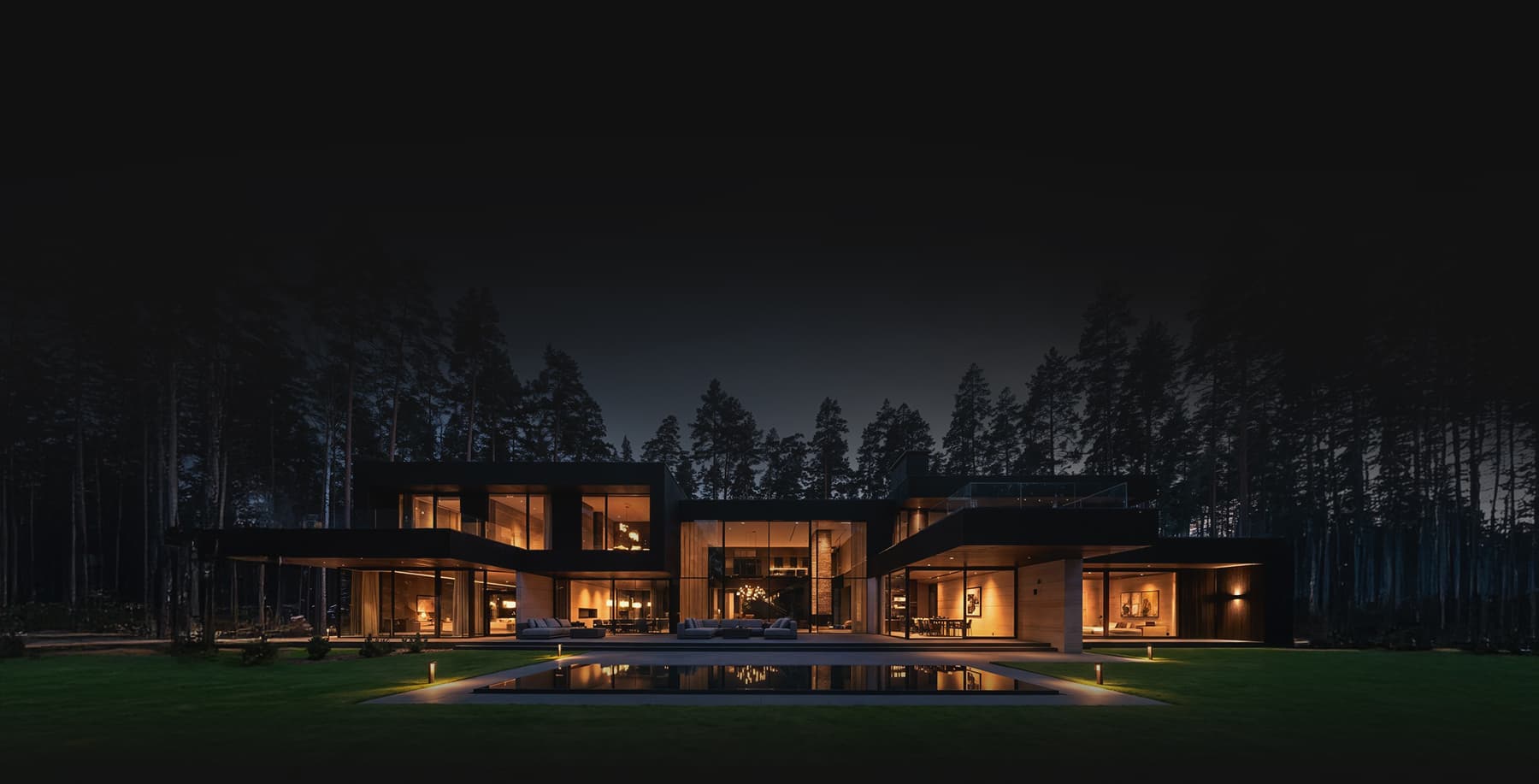
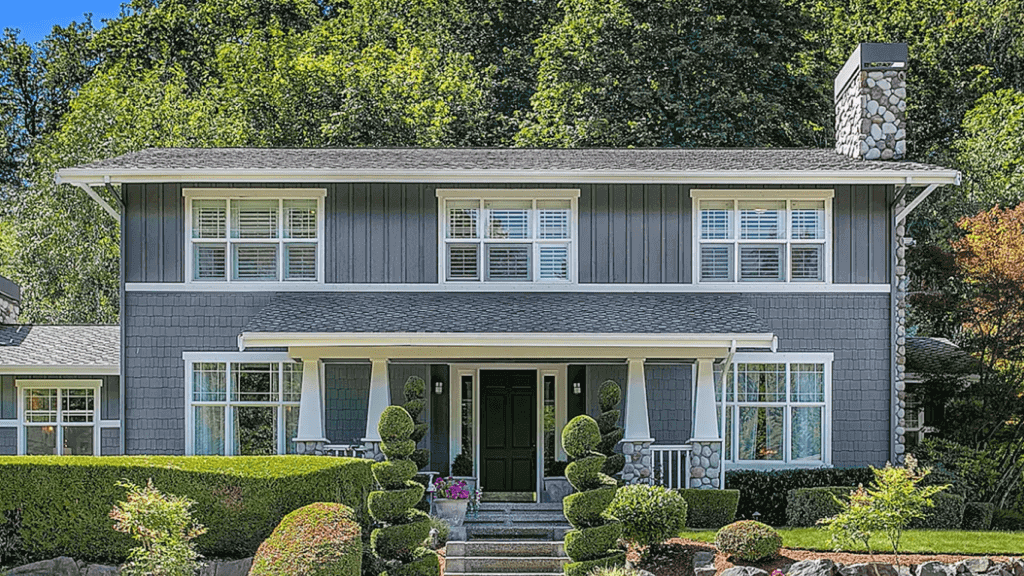
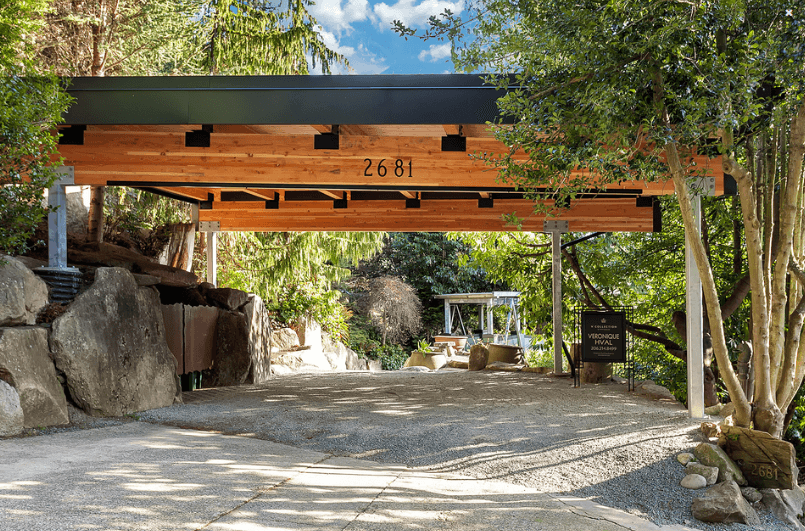
Relative to this, marketing products in Real Estate Photography is becoming more popular with the help of Photoshop. One of the most relevant enhanced outputs is through High Dynamic Range (HDR) photographs. HDR means a picture that was improved in terms of contrast, brightness, and colors. It is achieved by combining various exposures.
Overdoing edits for an HDR image could create improper blend of colors but when it is done correctly, it produces dynamic range of details that is necessary in improving the whole aesthetic quality of the photograph.
HDR pictures give a great impact in Real Estate Photography. To attain an HDR photo might be difficult with bare point and shoot or Digital Single Lens Reflex (DSLR) cameras. But with the help of photo-enhancing software like Photoshop, this could be possible.
What positive and negative results could an HDR Real Estate Photography bring in the sake of the industry?
Positive
• The textures of the picture are enhanced through manual contrast.
• The quality of the photo will be good.
• The representation of the output will be more accurate.
• Different details could be added for a total makeover of the photo.
• Editing in software is user-friendly.
• HDR lets one bring down the brightness of the photo or blast the inside part to balance it with the brightness of the outside.
• It creates 3 or more exposures that can be merged into one image that gives a natural and more vivid look.
Negative
• There could be unnecessary objects or details especially if it’s an amateur or a beginner’s work.
• Colors and contrast could be over applied that cause uninteresting impact to the eyes.
• Noise could be in an extreme level which makes it unappealing.
• The real and accurate state of the colors could be spoiled.
Before directly editing a photo using a software like Photoshop, below are the things one should expect and should not expect.
What to expect in using Photoshop to achieve HDR photo
• Tone mapping is done after achieving a flat final product file.
• Property images of an HDR output require fine tuning and perfect adjustment.
• Timing and composition should be given an utmost focus.
• The final output relies not solely in the software but in the skills of the editor.
What not to expect in using Photoshop to achieve HDR photo
• Fast editing or fixing a photo to make it more interesting could not be achieved in a snap of a finger.
• An extraordinary result could not be attained through a single editing attempt.
• A noise-free photo with tone mapping could not be accomplished.
• Object removal, detail and structures’ alignment, as well as grouping could not perfectly work every time.
Sending raw and bracketed images from Lightroom to Photoshop is possible. This allows the user to merge the pictures in HDR through Photoshop. Adobe Lightroom is another software that works and blends well with Photoshop. This permits the user to view, import, export, manage, organize, tag, and share pictures. The steps below are some of the simple things a Photoshop user must take into account when Lightroom is also being utilized.
1. Point out the images to be edited. Bracket them as one. Afterwards, select the bracketed shots and go to Edit In then Merge to HDR Pro in the Photoshop software.
2. When the brackets open in Photoshop, select Remove Ghosts and change Mode to 32-Bit and uncheck Complete Toning in Adobe Camera Raw, and click OK.
3. Go back to Lightroom then view the HDR photo.
4. Finalize the product in Lightroom.
Even though the process of editing brackets in these softwares takes time, saving the highlights in an HDR photo using these steps is only one of the benefits an editor could gain. This output will definitely attract the attention of the viewer or customer.
More related tips here: