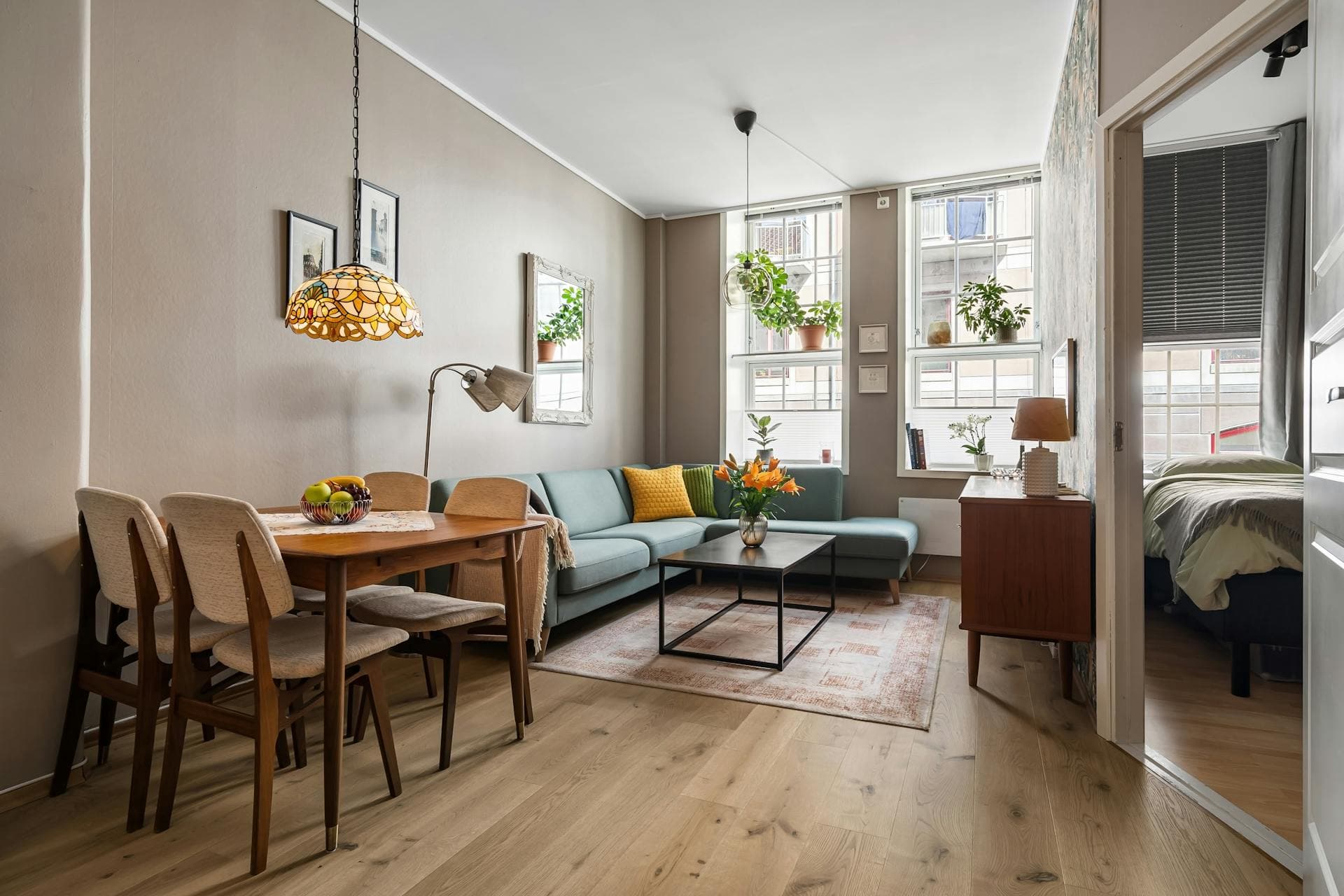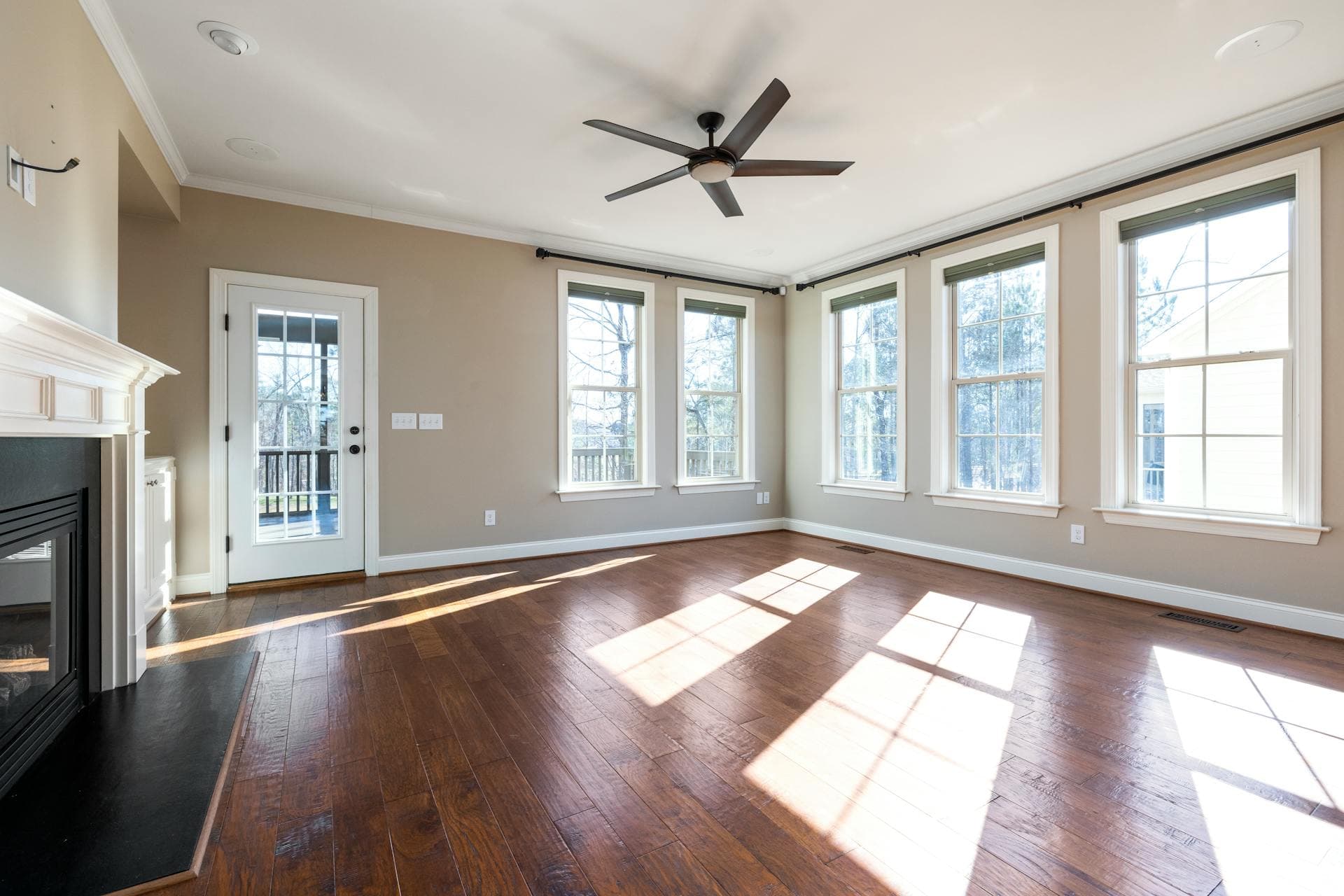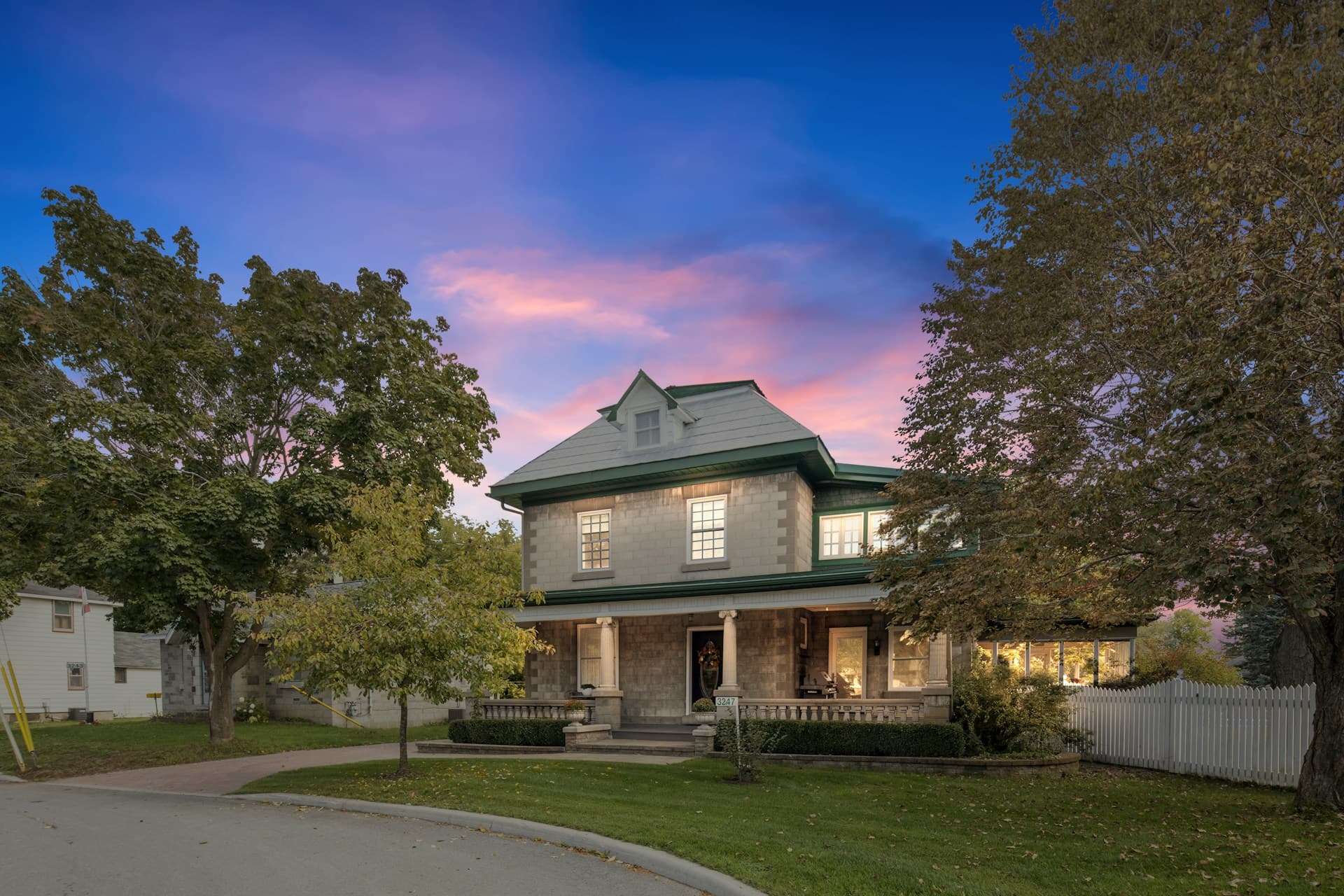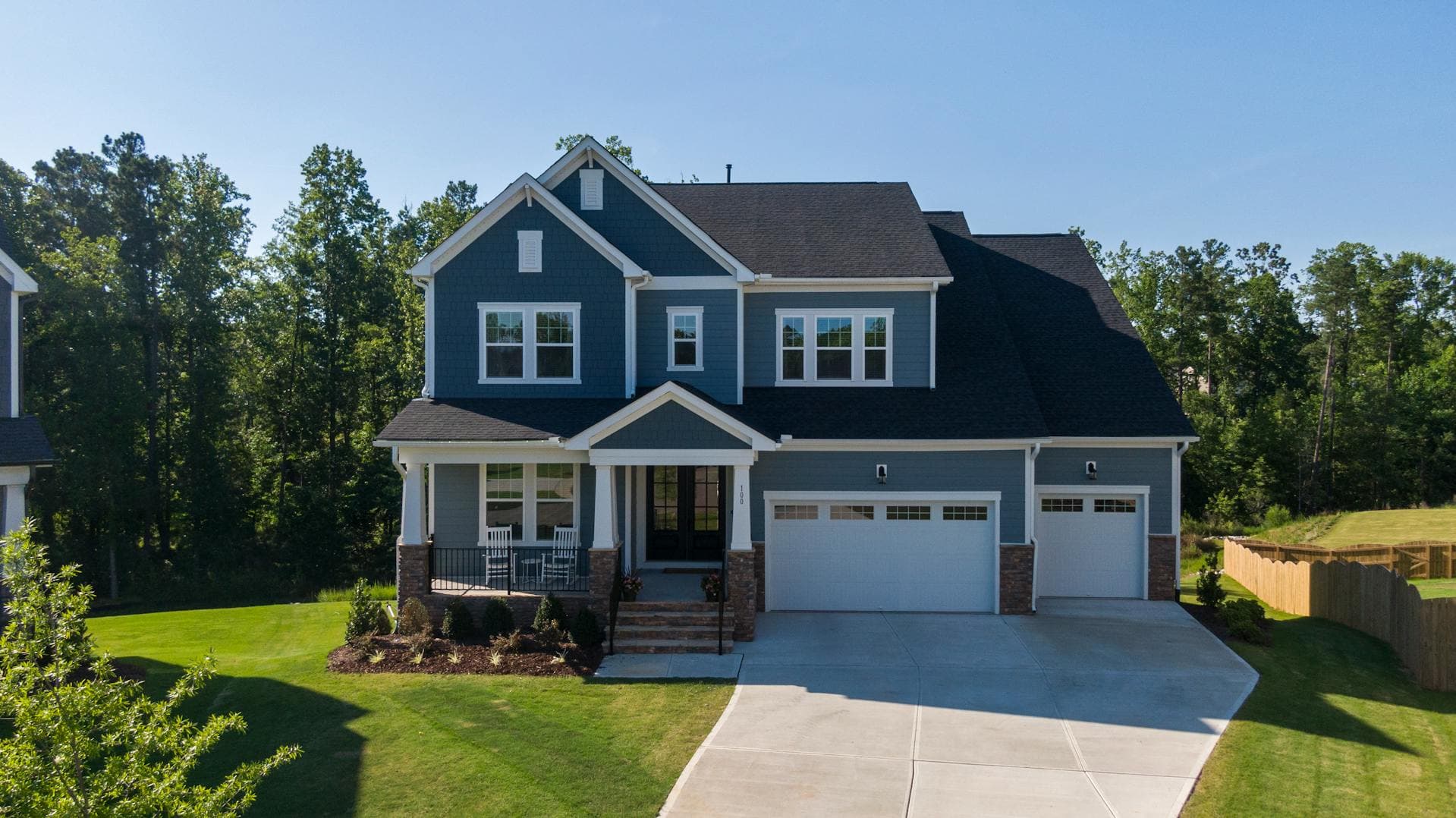
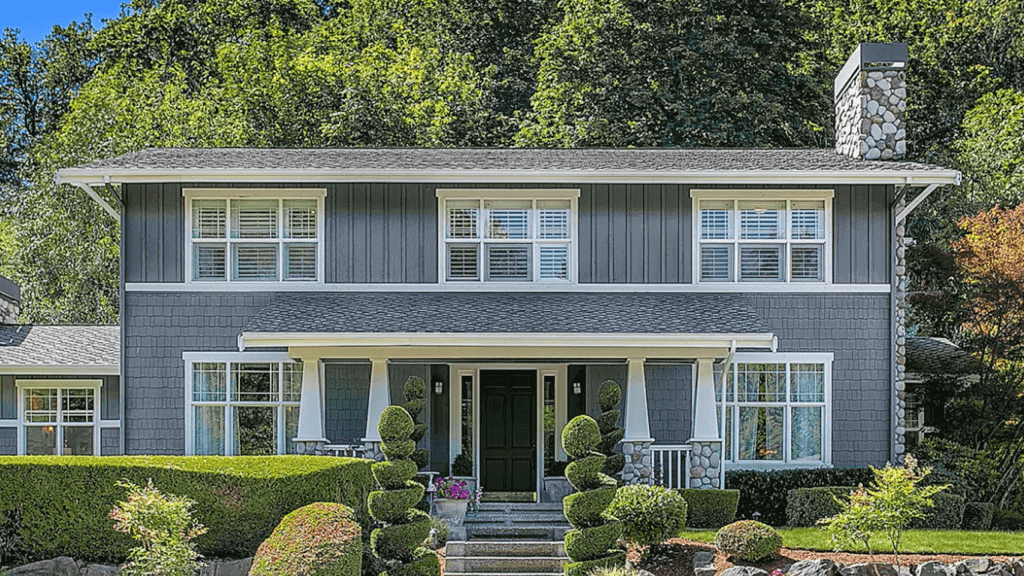


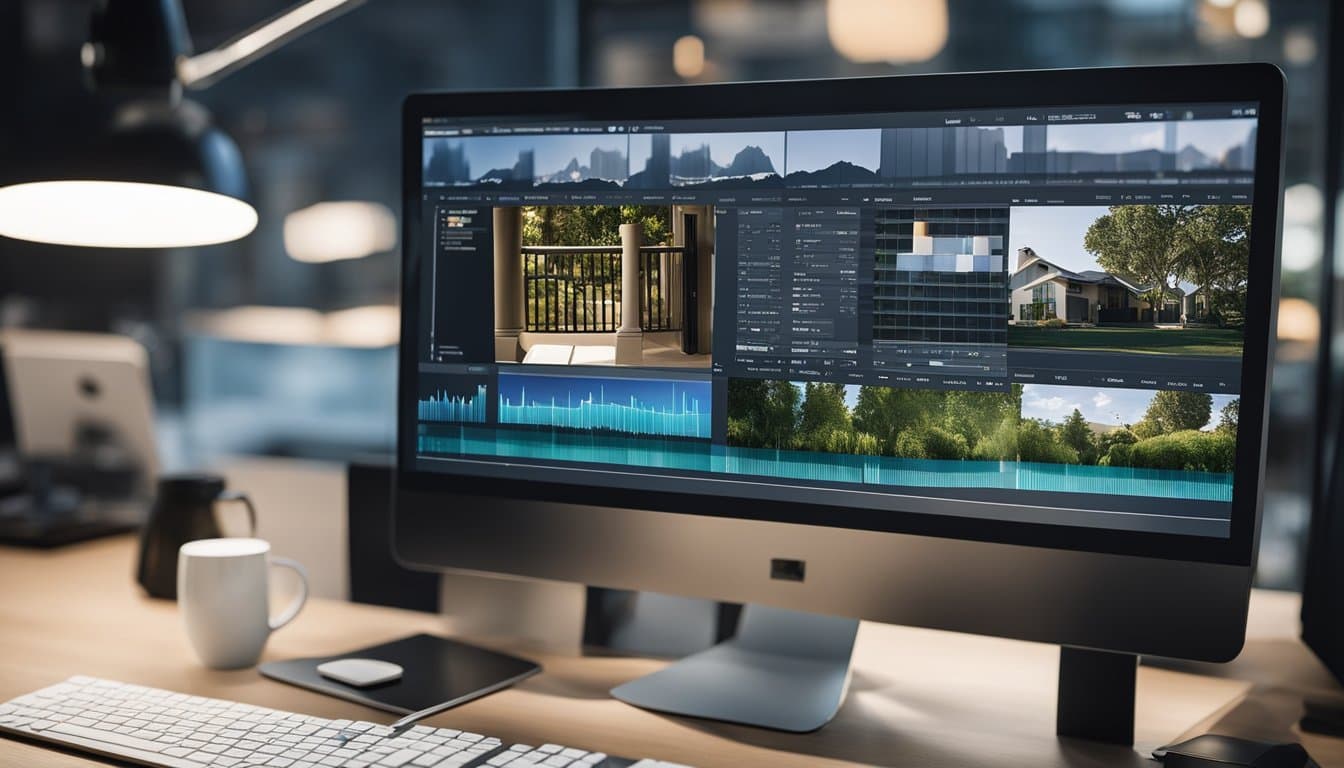
For real estate professionals, high-quality photos are essential in capturing potential buyers’ interest. In today’s competitive market, having the right tools to enhance your property photos can make all the difference. Our goal is to help you find the best photo editing software to elevate your listing images.

Why is photo editing software crucial for real estate success? It allows you to improve the aesthetics of your property photos, making them more appealing and professional. With the right software, you can highlight the best features of your listings, ensuring they stand out to prospective buyers.
1) Adobe Photoshop
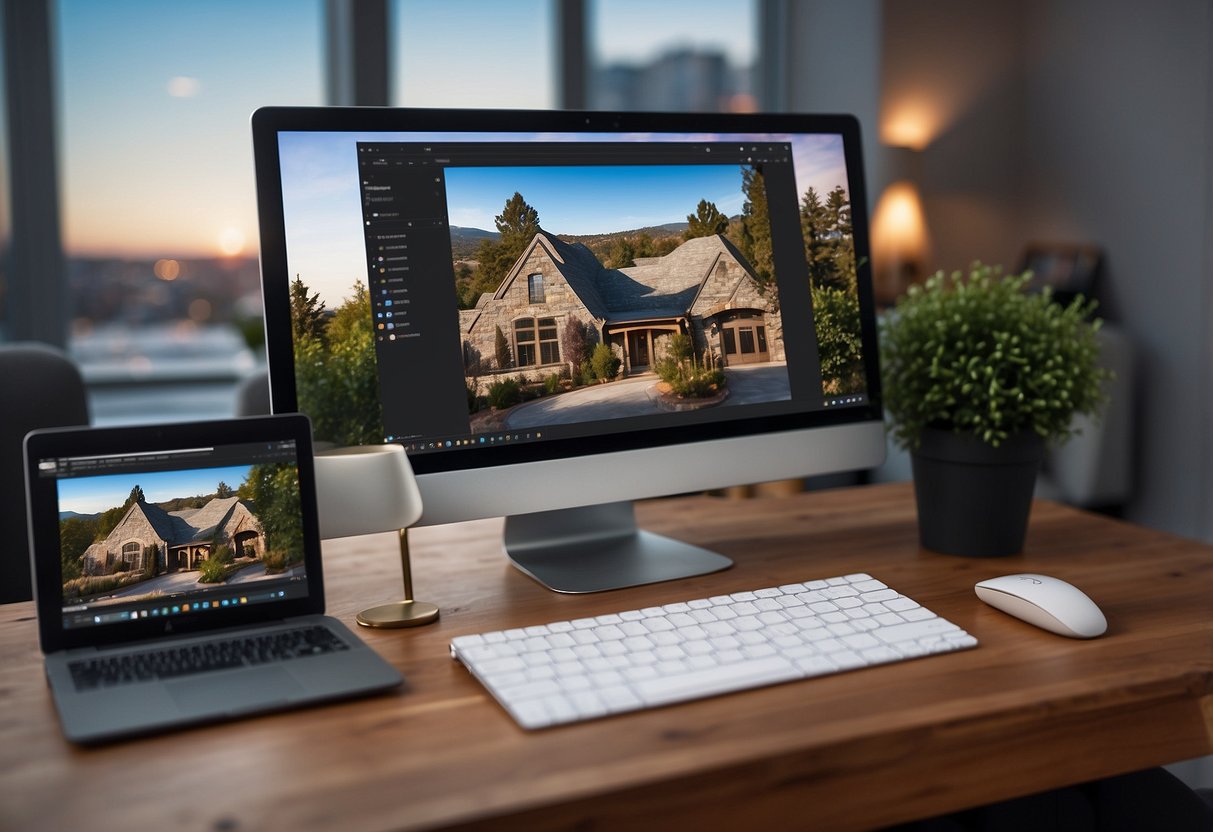
Adobe Photoshop is a powerhouse for real estate photo editing. With its advanced tools, we can make precise adjustments to images. This helps in enhancing the visual appeal of property listings.
Photoshop’s capabilities are extensive. It offers features like layers, masks, and retouching tools. These tools enable us to correct lighting issues, remove imperfections, and even add elements to images.
The software is especially useful for creating high-quality HDR photos. HDR combines multiple exposures, capturing details in both shadows and highlights. This is crucial for real estate photography as it showcases properties in the best light.
We can also batch process images with Photoshop. Batch processing saves time by applying the same edits to multiple photos at once. This is particularly helpful when dealing with large sets of property images.
Another key feature is the ability to work with RAW files. RAW files retain more detail and allow for greater flexibility in editing. This ensures that our final images are sharp and vibrant.
For those requiring graphic design elements, Photoshop excels. We can create marketing materials, social media posts, and more, all within the same platform.
Photoshop’s integration with other Adobe products like Lightroom enhances our workflow. We can seamlessly move between software, making the editing process more efficient.
2) GIMP
GIMP, also known as the GNU Image Manipulation Program, is a powerful tool in real estate photo editing. Its main advantage is that it’s free to use, making it perfect for those of us on a budget.
Despite being free, GIMP offers a wide range of features comparable to paid software. We can use it for tasks like color correction, retouching, and image composition. The customizable interface allows us to create a workspace that fits our needs.
Another great aspect is its compatibility with multiple operating systems. Whether we work on Windows, macOS, or Linux, GIMP supports our workflow without any issues.
GIMP’s extensive plugin library enhances its functionality. These plugins allow us to add new features and tools, adapting the software to our specific real estate photo editing needs.
While GIMP has a bit of a learning curve, there are many tutorials and guides available online to help us get started. The software’s community is also very active and supportive, making it easier to find solutions to any problems we might encounter.
By using GIMP, we can achieve high-quality real estate photo edits without a significant financial investment. For more details, check out GIMP on this helpful site.
3) Corel PaintShop Pro
Corel PaintShop Pro is a favorite among real estate photographers, thanks to its user-friendly features. It’s ideal for both professionals and beginners. The software offers a range of tools suited for editing real estate photos.
One key feature is its ability to correct perspectives. This helps us fix angles in our property shots, making rooms look proportional and appealing. Another useful tool is the color correction capability, which allows us to adjust color gradients and levels to enhance the overall look of our photos.
We also appreciate its exposure adjustment features. These tools help us brighten dark images and balance lighting throughout the photo. It’s essential for making spaces appear well-lit and inviting.
Removing unwanted elements from photos is easy with Corel PaintShop Pro. This feature ensures our images are free of distractions, focusing viewers’ attention on the property’s best aspects.
For more information, check out Corel PaintShop Pro.
4) Affinity Photo
Affinity Photo is a powerful tool for real estate photo editing. We appreciate its extensive range of features. It offers advanced photo retouching, layers, HDR merging, and more.
One of the key strengths of Affinity Photo is its compatibility. It works seamlessly on both Mac and Windows. This makes it a versatile choice for many real estate photographers.
We also find Affinity Photo’s affordability appealing. Unlike some other software, it does not require a subscription. A one-time purchase grants access to all of its tools, making it cost-effective.
Another feature we value is its performance. Affinity Photo is known for its speed and efficiency. This helps us quickly enhance property images, saving valuable time.
Affinity Photo also supports a wide range of file formats. This ensures that we can work with almost any image file easily. It handles RAW files well, which is crucial for maintaining image quality.
The software includes a robust set of live filters and adjustment layers. This allows for non-destructive editing. We can experiment with different looks without permanently changing the original image.
5) Capture One
Capture One stands out as one of the top editing tools for real estate photography. It is well-regarded for its powerful editing capabilities and high level of customization.
We appreciate how Capture One allows us to finely tune our images, ensuring every detail is perfect. This is particularly important in real estate photography where presentation matters.
Another remarkable feature is its color grading tools. These tools give us control over the color balance and tones in our photos, making properties look their best.
Capture One also supports tethered shooting, which means we can see images in real-time as they’re captured. This feature is highly beneficial during photoshoots, allowing for immediate adjustments.
Despite its advanced features, some users may find Capture One’s interface challenging at first. However, with time and practice, it becomes easier to navigate.
Professionals often trust Capture One for its strong performance and reliability, making it an excellent choice for serious photographers. For more information, check out this detailed review.
Why Photo Editing Matters in Real Estate
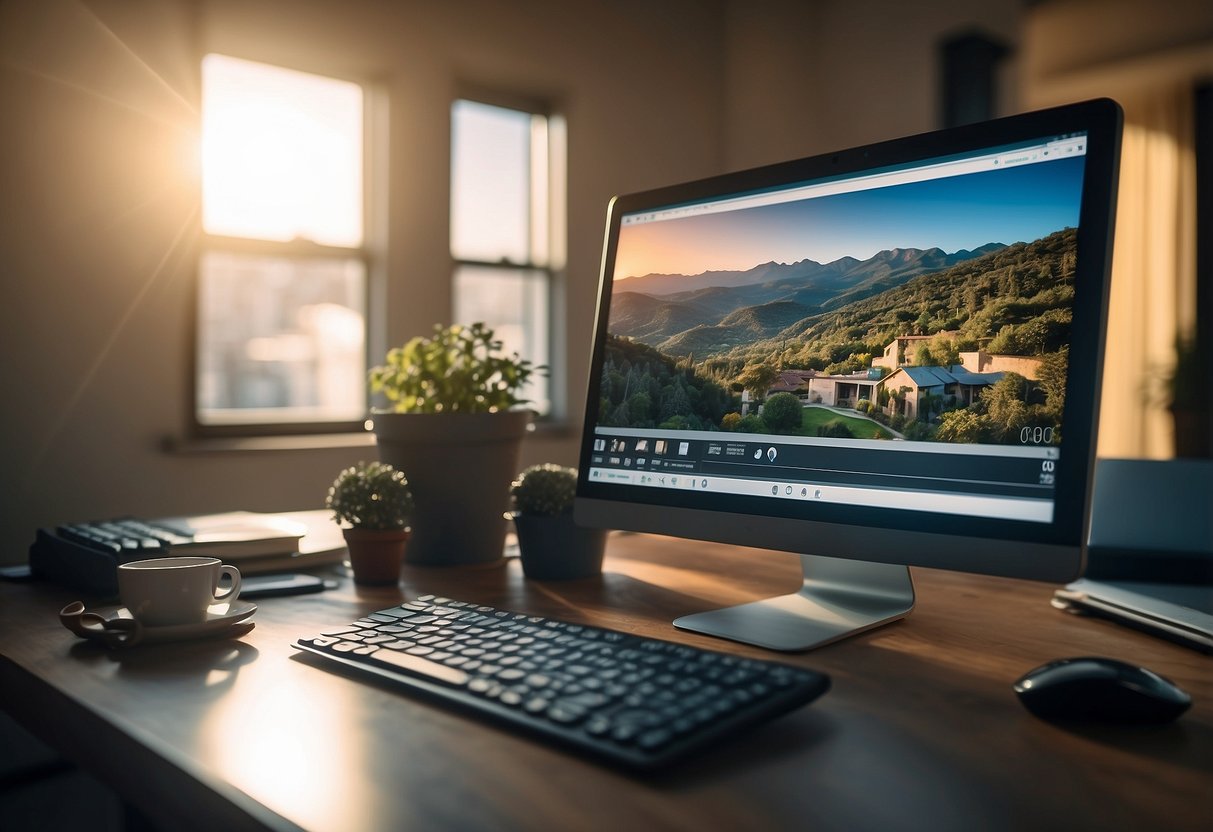
In real estate, well-edited photos are crucial to attracting potential buyers and highlighting a property’s best features. Good photo editing boosts the visual appeal and helps properties stand out in a competitive market.
First Impressions and Buyer Interest
First impressions are vital in real estate. Buyers often decide to view a property based on listing photos. Well-edited pictures can make a property look more inviting.
They enhance lighting, color balance, and remove distractions. This makes the property more appealing. Photos that are too dark or cluttered can deter interest. On the other hand, clear and bright images attract more potential buyers. We’ve seen time and again that properties with great photos get more views and inquiries.
Enhancing Property Features
Editing can highlight the property’s best features. For instance, photo editors can enhance the brightness of a room, making it look larger and more welcoming. Removing small flaws like wall marks or light glares also helps.
We can use techniques like HDR to balance shadows and highlights, giving a more accurate view of the space. Virtual staging tools also allow us to show empty rooms with furniture, giving buyers a better idea of how the space can be used. This can significantly improve the perceived value of the property. Clean, polished photos help buyers envision themselves in the space.
Key Features to Look For in Real Estate Photo Editing Software
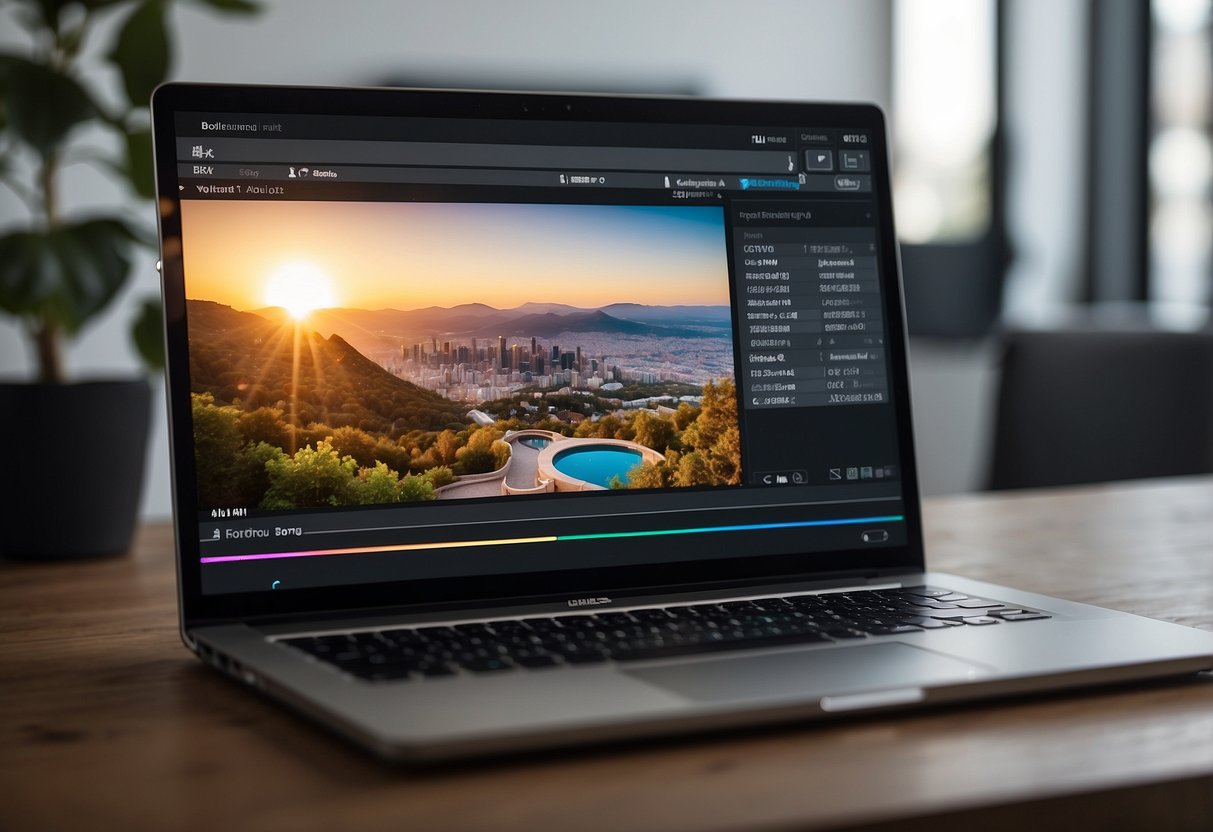
When choosing the best photo editing software for real estate, we need to focus on specific features that ensure efficiency and high-quality results. These features include user-friendliness, advanced editing tools, and integration with real estate platforms.
User-Friendliness
A user-friendly interface is crucial. We want software that is easy to navigate and doesn’t require us to spend hours learning how to use it. For instance, tools like Canva and Pixlr are known for their straightforward interfaces. They offer intuitive controls and helpful tutorials that can speed up the learning process.
Another important factor is workflow efficiency. Software that supports batch editing and easy photo organization saves us valuable time. ON1 Photo RAW, for example, helps manage large photo libraries and apply edits quickly across multiple images.
Advanced Editing Tools
Advanced editing tools are essential for making properties look their best. We need features like HDR blending, retouching, and masking to enhance image quality. Adobe Photoshop is renowned for its comprehensive suite of editing tools, allowing precise adjustments and creative enhancements.
Other useful tools include LUTs (Look-Up Tables) for color grading, layers for complex edits, and retouching tools for removing unwanted objects. Photomatix Pro is excellent for HDR processing, bringing out the best in varied lighting conditions.
Integration with Real Estate Platforms
Integration with real estate platforms streamlines our workflow. This feature allows us to upload images directly to listing sites, saving time and reducing errors. Some software solutions offer direct integration with platforms like MLS (Multiple Listing Service).
Phixer provides cost-effective editing services and help you integrates seamlessly with real estate platforms, simplifying the process of getting images edited from editing software and for you to just upload to listing platforms.
Frequently Asked Questions

In this section, we address common questions about essential features, user-friendly software, AI enhancements, free tools, mobile apps, and the significance of post-processing in real estate photography.
What features are essential in photo editing software for real estate photography?
When choosing photo editing software for real estate, certain features can make a big difference. Look for tools that offer HDR capabilities, advanced color correction, and distortion correction. Editing programs like Adobe Photoshop are known for these features, making them stand out in the market.
Can you recommend user-friendly photo editing software suitable for real estate agents?
Real estate agents often need software that is intuitive and easy to use. For instance, Canva is highly recommended due to its all-in-one design and editing features. It’s user-friendly nature makes it perfect for those who may not have extensive photo editing experience.
How does AI-enhanced photo editing software benefit real estate photography?
AI-enhanced photo editing tools can significantly speed up and improve the editing process. Programs like Enhance AI from Skylum automatically adjust lighting, enhance colors, and even replace skies. This helps to consistently produce high-quality images with minimal effort.
What are some effective but free photo editing tools for real estate images?
For those on a budget, free tools can still offer substantial editing capabilities. GIMP is a powerful open-source editor that rivals many paid options. It provides features needed to enhance real estate photos without any cost.
What photo editing apps are preferred by realtors for picture enhancement on mobile devices?
Real estate agents often rely on mobile apps for quick and effective photo editing. Adobe Lightroom’s mobile app is a top choice due to its cross-device editing capabilities and professional-grade tools. This ensures that high-quality edits can be done on-the-go.
How important is post-processing in enhancing real estate photographs for listings?
Post-processing is crucial in making real estate photos appealing and professional. Adjusting aspects like brightness, contrast, and color balance can make properties look their best. High-quality post-processing can lead to more attractive listings and ultimately help in faster sales.