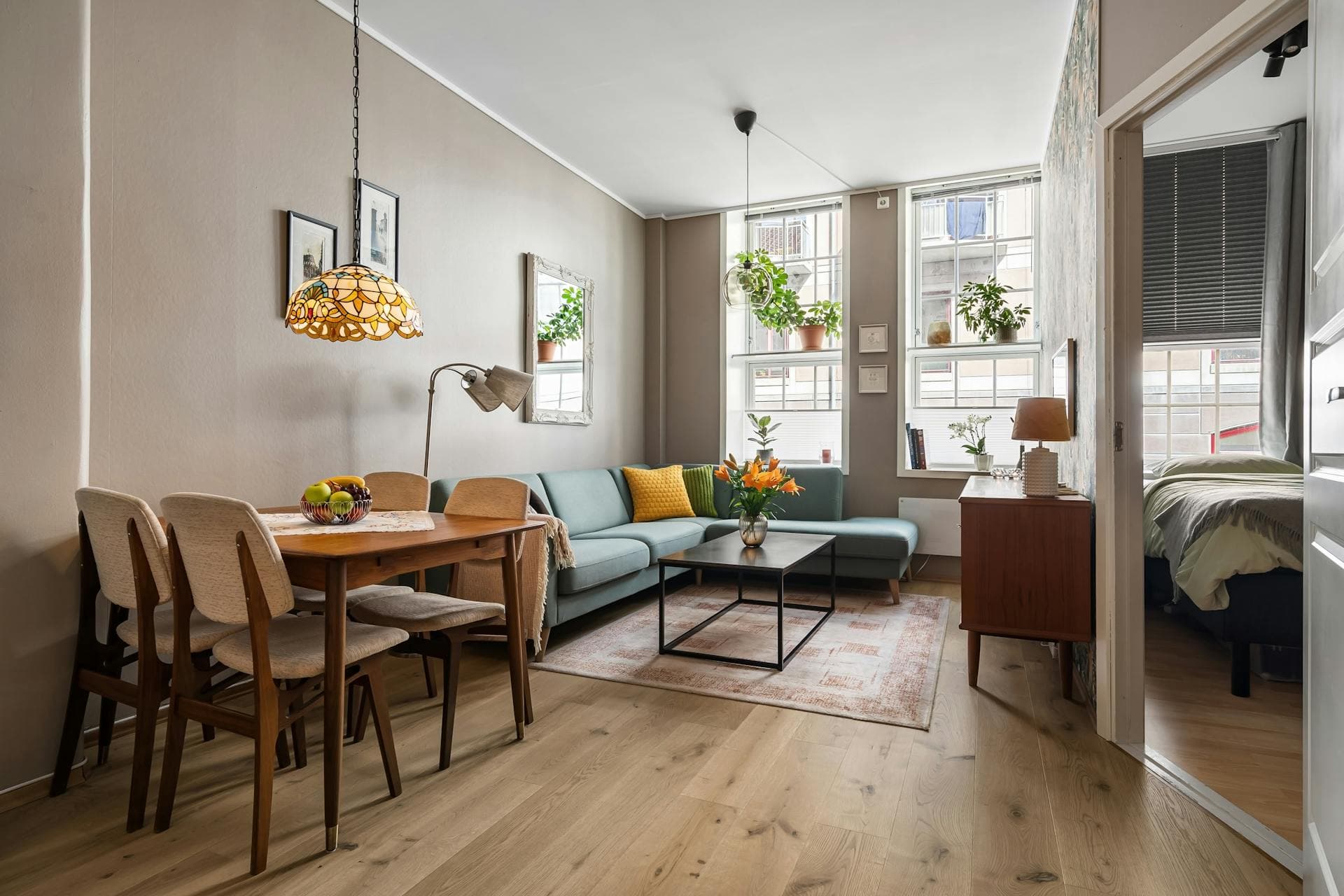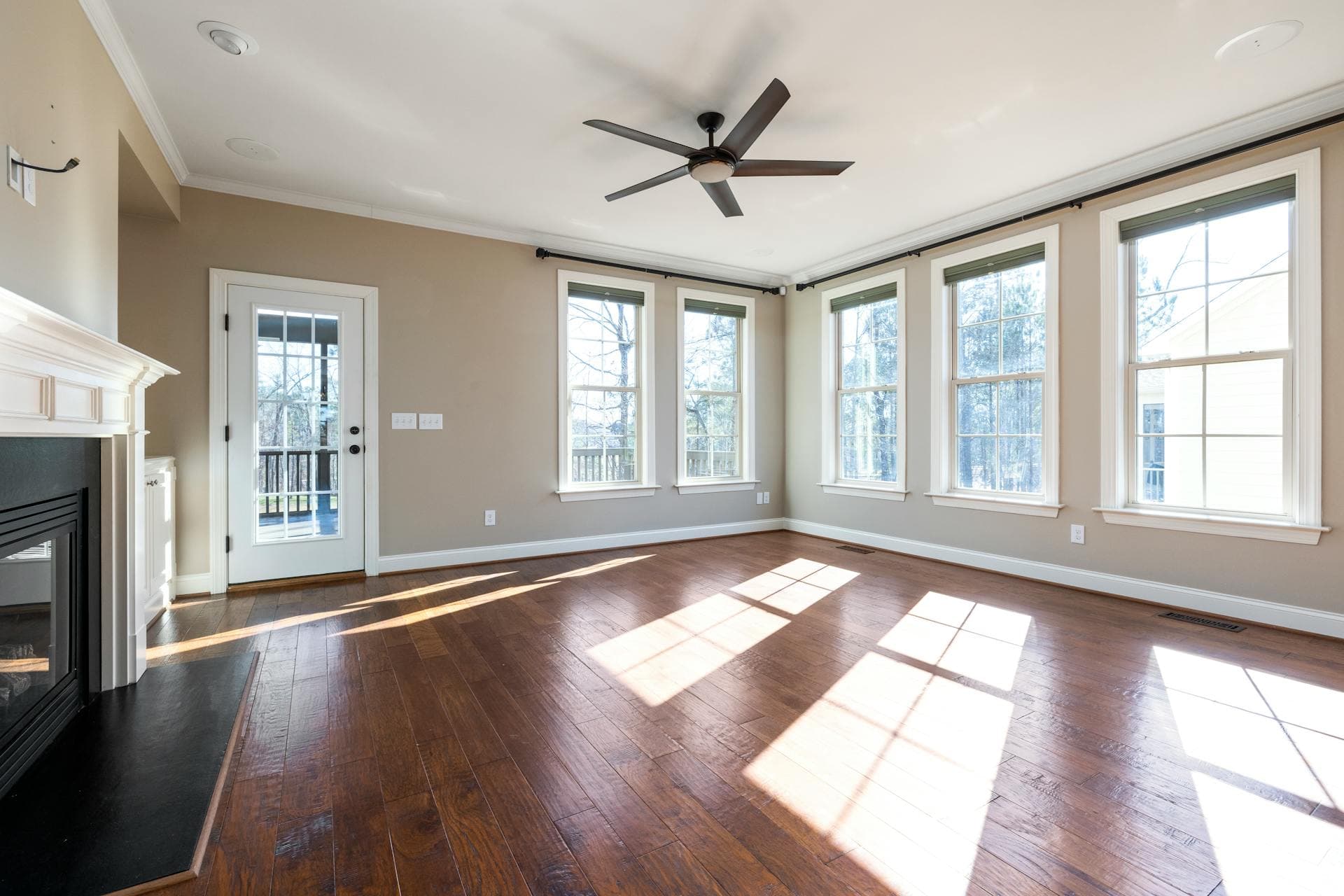



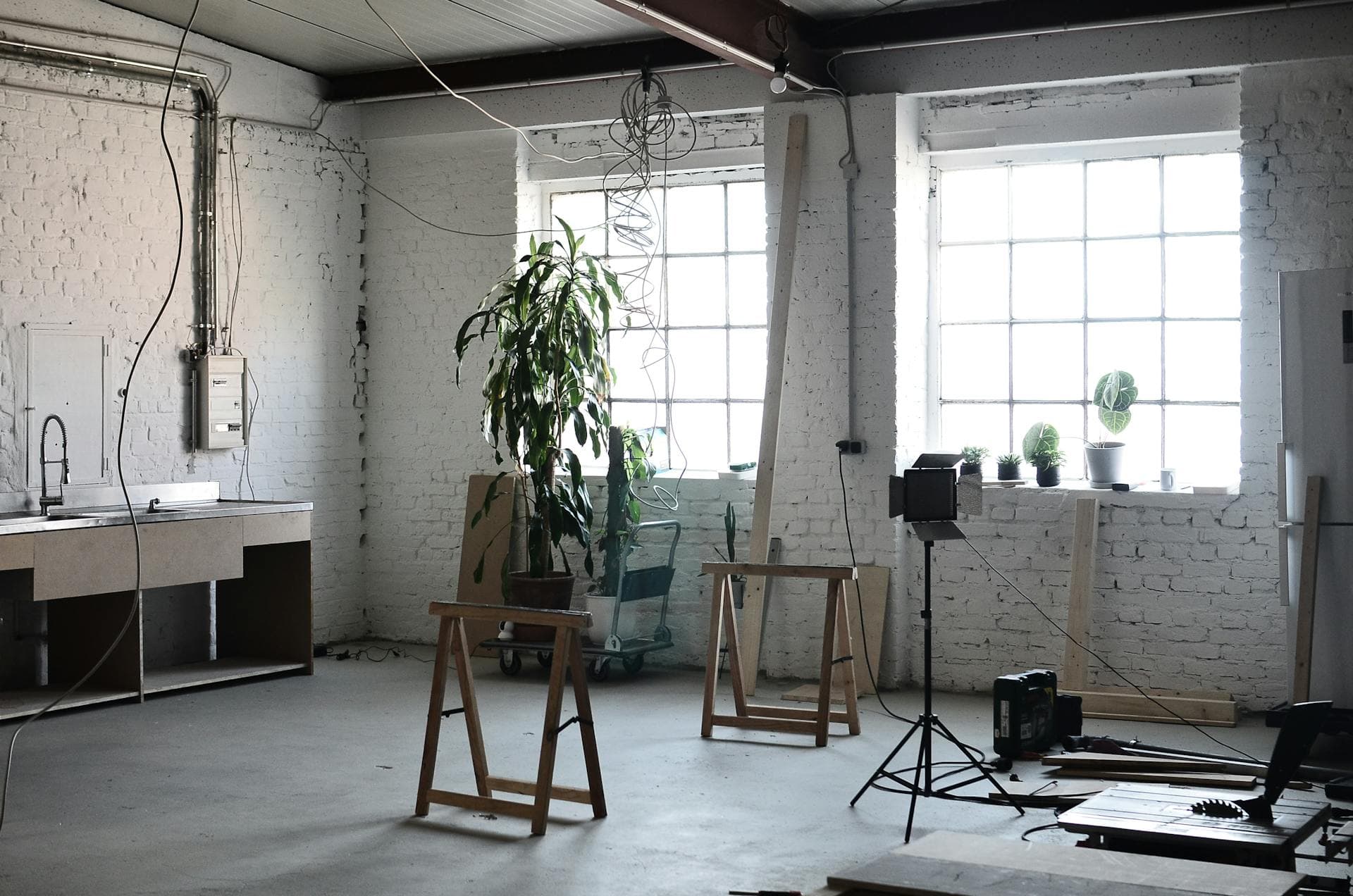
High-quality real estate photos sell properties faster. Attractive listing photographs can make a good impression and significantly affect a buyer’s decision. Residential property is an expensive investment, and no one wants to spend money on something that looks unappealing in photos.
There will be instances when you capture clutter or unwanted objects. You can do it yourself through editing software. Photoshop is an excellent tool to use for real estate unwanted objects removal.
If you’re wondering how to do the latter, we have the techniques to help you out:
Spot Healing Tool Brush
The spot healing tool brush in Photoshop works like a real estate declutter service that allows you to remove unwanted cords and wires within minutes. This technique is also straightforward to use.
1. Select the Cords and Wires You Want to Remove
To start, select the layer that contains the cords and wires you want to remove. Zoom as close as possible to these objects so you can easily remove them without compromising the quality of the photo.
2. Choose the Spot Healing Tool Brush
Once you’ve zoomed on the cords and wires, select the Spot Healing Tool Brush found in the tools panel. After, click the Content Aware Type. This tool synthesizes nearby content so you can seamlessly blend it with the surrounding content.
3. Move the Brush to the Cords and Wires You Want to Remove
Move the spot healing tool brush to the area of the cords and wires. Photoshop will automatically patch several pixels over the selected area as you brush over, concealing the objects you want to remove.
This tool works best for removing small pieces of cords and wires in real estate photos.
Patch Tool
You can also use Photoshop’s patch tool in removing cords and wires from your real estate photos. As long as you know how to draw lines, you won’t have any problems using this too!
1. Select the Patch Tool
After importing the photo on Photoshop, select the Patch Tool in the Healing Brush tool in the Tools panel. Unlike the Spot Healing Tool Brush, the Patch Tool works well to repair more extensive areas of an image and remove significant distractions or clutters.
2. Press the ALT Button
Hold down the ALT button and move your cursor to an area where you intend to use a patch sample. Ideally, you should choose one section of the wall or a part of the furnishings as your patch sample where the cord or wire is lying on to ensure that your real estate photos look realistic after using the Patch Tool.
Once you’ve selected your sample area, click your mouse. The cursor will immediately turn into a circle once you’ve made this action.
3. Brush Over to the Items You Want to Remove
Brush over the cords and wires until it disappears. Depending on the size or length of the items you want to remove, this process will take less than a minute.
Don’t forget to use the crosshairs located beside the cursor to assess the cloned area.
Clone Stamp Tool
Utilizing the Clone Stamp is also a great way to remove cords and wires from your real estate photos.
1. Select the Clone Stamp Tool
Once your photo is on Photoshop, click the Clone Stamp Tool located in the toolbar on the left-hand side of the app. You can press the letter “S” on your Mac OS or Windows computers.
2. Zoom to the Location of the Cords and Wires
Once you’ve located and zoomed on the cords and wires on your photo, hold ALT until the cursor becomes a crosshair. Using the crosshair, select the area where you want to use a sample.
3. Brush on the Cords and Wires
Brush on the items you want to remove. This action will automatically copy the pixels of the sample area you selected earlier. You should see a plus sign as the brush is copying over the cords and wires you want to remove
Maximize Photoshop
Knowing how to use Photoshop for real estate unwanted objects removal is like using a decluttering service for photos. Alternately, you can hire a real estate declutter service or real estate photo editing service, like Phixer, to make sure each image appeals to potential buyers or improves them through post-production.
By following the techniques in this article, you can finally create and present the tidiest real estate photos to clients, as if you hired a professional cleaner before taking pictures.