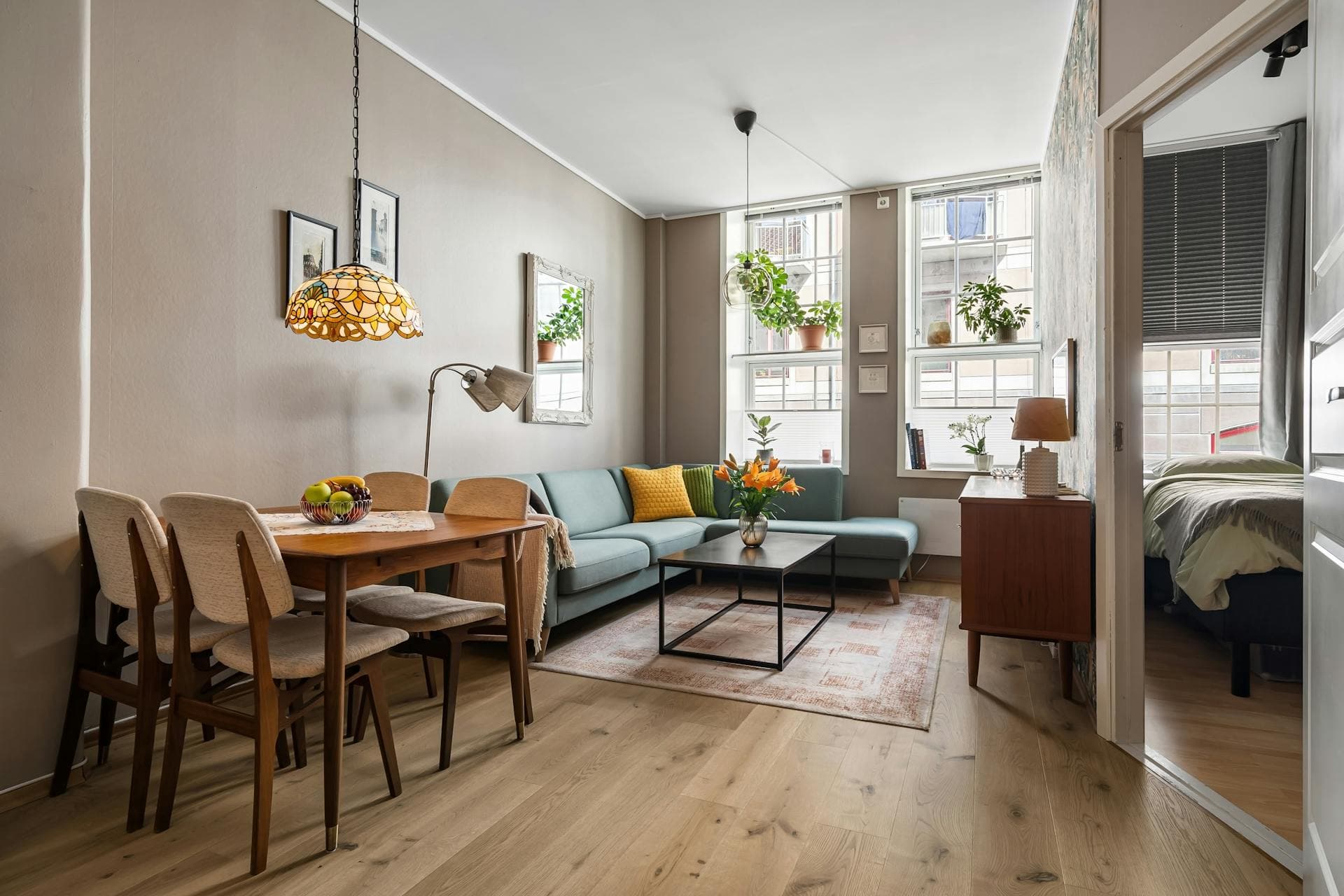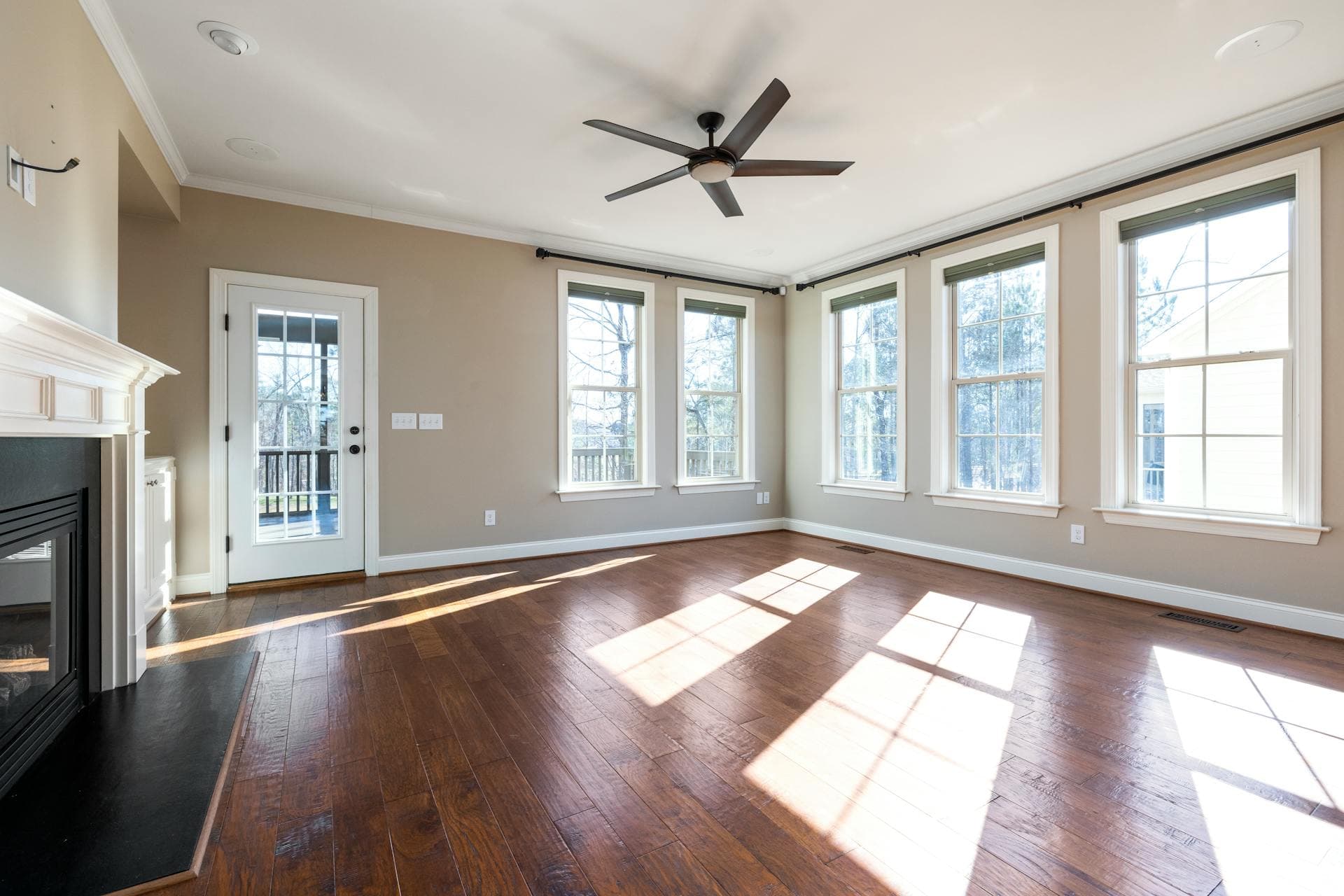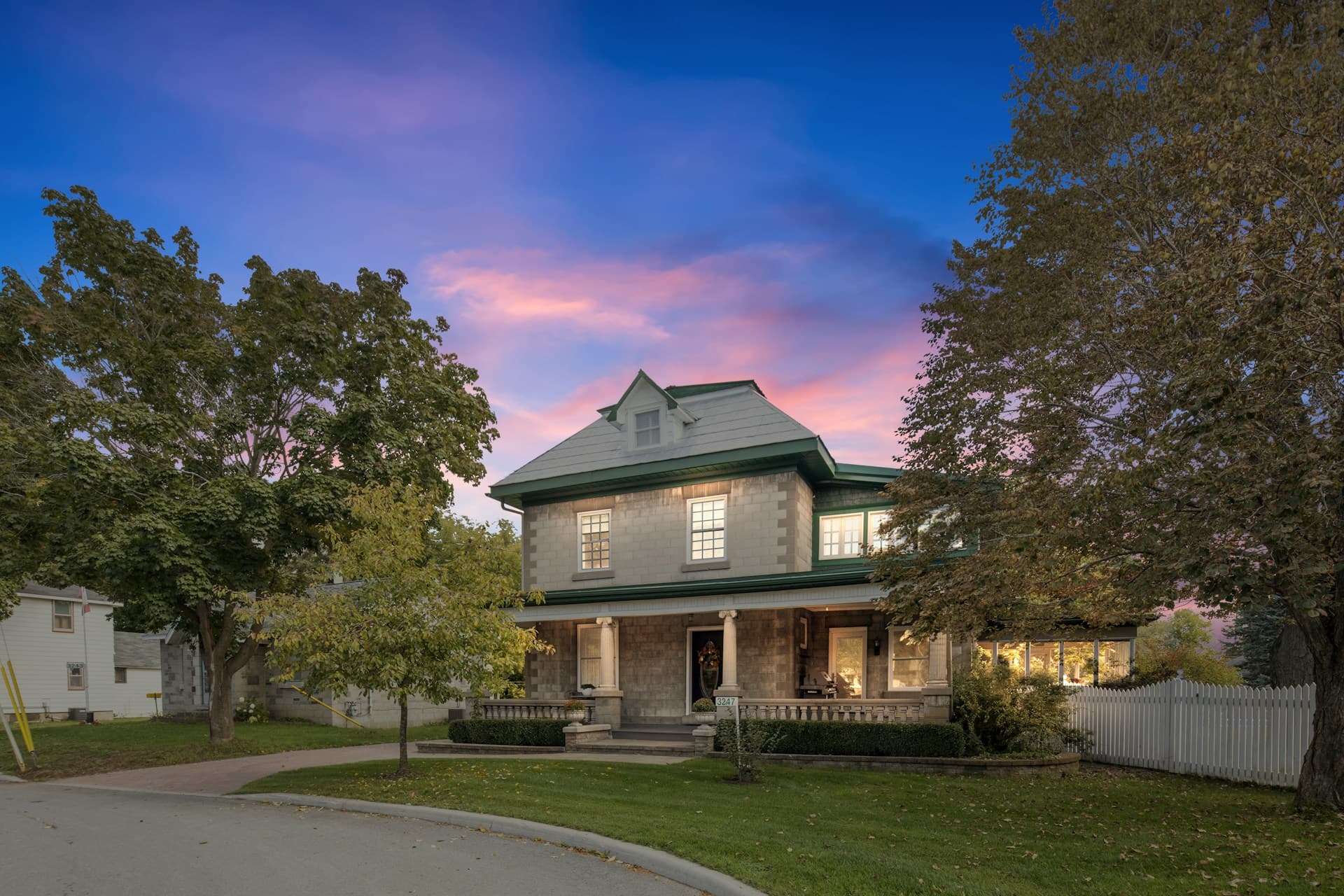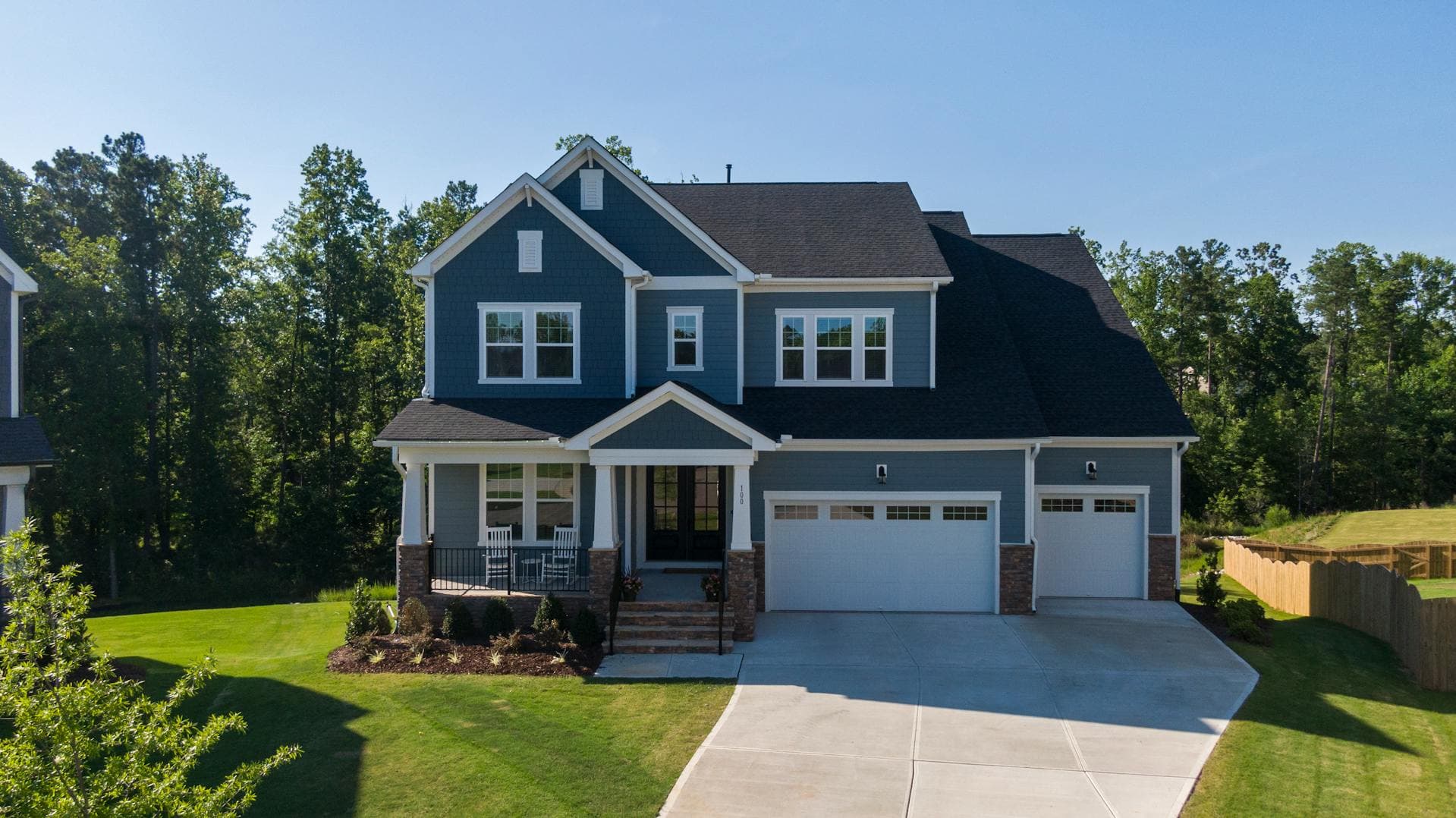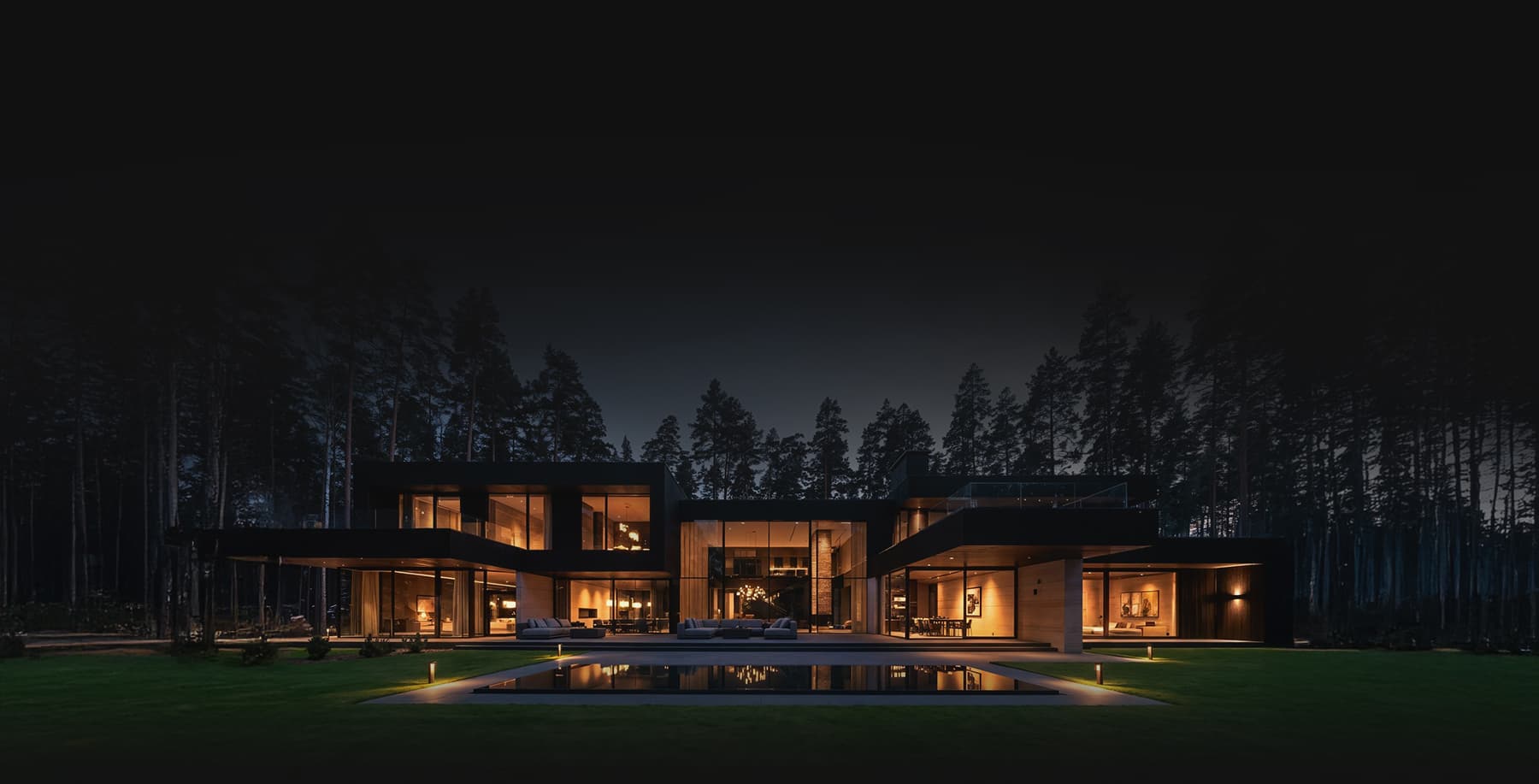
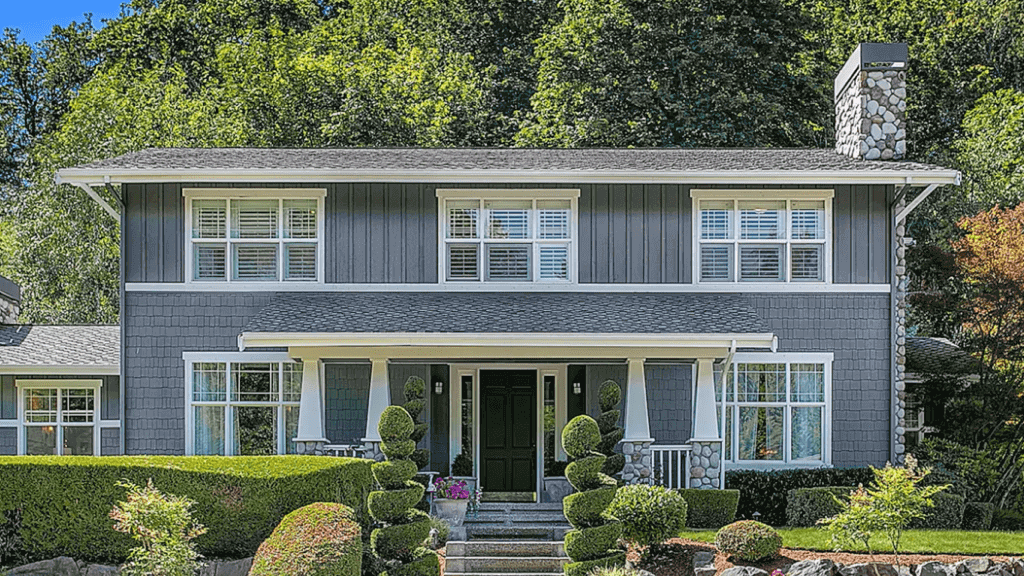
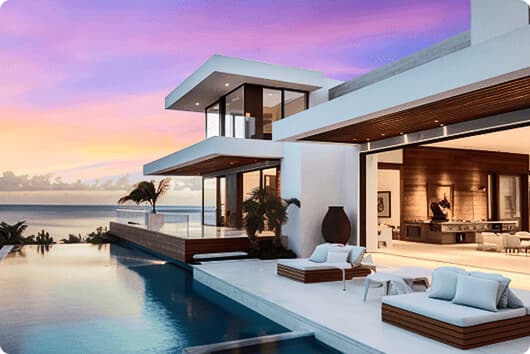

Being a real estate photographer entails lots of days of photo shoot not only as part of marketing purpose but also to perfecting the small details of some common mistakes. A photographer does not only consider the right time of day to create good shots. Other factors like right lighting and good angle are also important in developing good quality real estate photos.
According to this post, the work of a photographer however is just a speck of the many tasks he does beyond the shoot. There are editing and retouching works that will take a lot of time to enhance real estate photography. These skills are essential to create magnificent photos for potential clients to become interested in the property you are offering.
Photoshop Retouching Guides for Neophytes
• Hue and Saturation

Photoshop has many different options that you can play around with. Hue and Saturation is a great tool to correct colors. Adjusting greens is a common color error in real estate photography. You need to capture the dynamics of the exteriors that can be challenging to newbies.
What you will do is choose Adjustment after selecting Image. Select Yellow afterwards from the drop down menu to adjust the Hue to +15 and Saturation to -5. You can also adjust the hue, saturation and lightness by selecting Green from the drop-down menu.
• Adjust the Brightness

Getting balanced light is important when shooting exteriors especially when shooting under a direct sunlight. To balance light, edit the photo in Photoshop is the best solution so far. Opening the Image menu, choose Adjustments then click Levels. By dragging the center bar to the right tones down the overexposed areas.
• Darken the Bright Grass Colors
Garden is always a part of the exteriors of real estate photography. Seeing grass a bit bright definitely needs retouching. Going to the Toolbar, you need to click the Burn tool. Select the right size of the brush and drag over the brush to the grass afterwards to darken the area.
• Adjust Curves

According to InMan, Curves is a powerful Photoshop tool that is used for a color correction. Just open Image and Adjustments followed by Curves. After seeing the dialog window, click Auto. To brighten the curves, pull up the diagonal line at the center. To darken, pull it down otherwise. Click OK afterwards. You may also opt to use the eyedropper to choose for the black and white tones of the photo. Any slight difference will be corrected.
• Straighten Property

A straight line is always important in making the property look great. This happens when the camera is not angled properly. That is why diagonal and slant lines are visible. From https://www.phixer.net/blog/real-estate-photography-using-photoshop/,you need to click on the Rectangular Marquee from the Toolbar and select the entire image. Click the Edit and Transform. From there, click the Skew from the drop-down menu.
Drag the corner of the picture to the left if the property is leaning to the right. Make it a point that you need not to pull too far because this might be very unrealistic. Click the Check button after the edges are aligned and are all straight.
• Lighting up the Corner

Lighting up the corners of the interiors of any property is always a challenge. It is always needed to even out the lighting of the interior because there are always situations when part of the photo is darker that the other part.
To balance and even out lighting, go to Dodge tool. Select the right size of the brush to work with. To add brightness to the darker part, drag the Dodge tool over the darker area. You then need to go to Filter menu and select Sharpen and click on Unsharpen Mask. To get clearer and quality details, increase the amount then finally click OK.