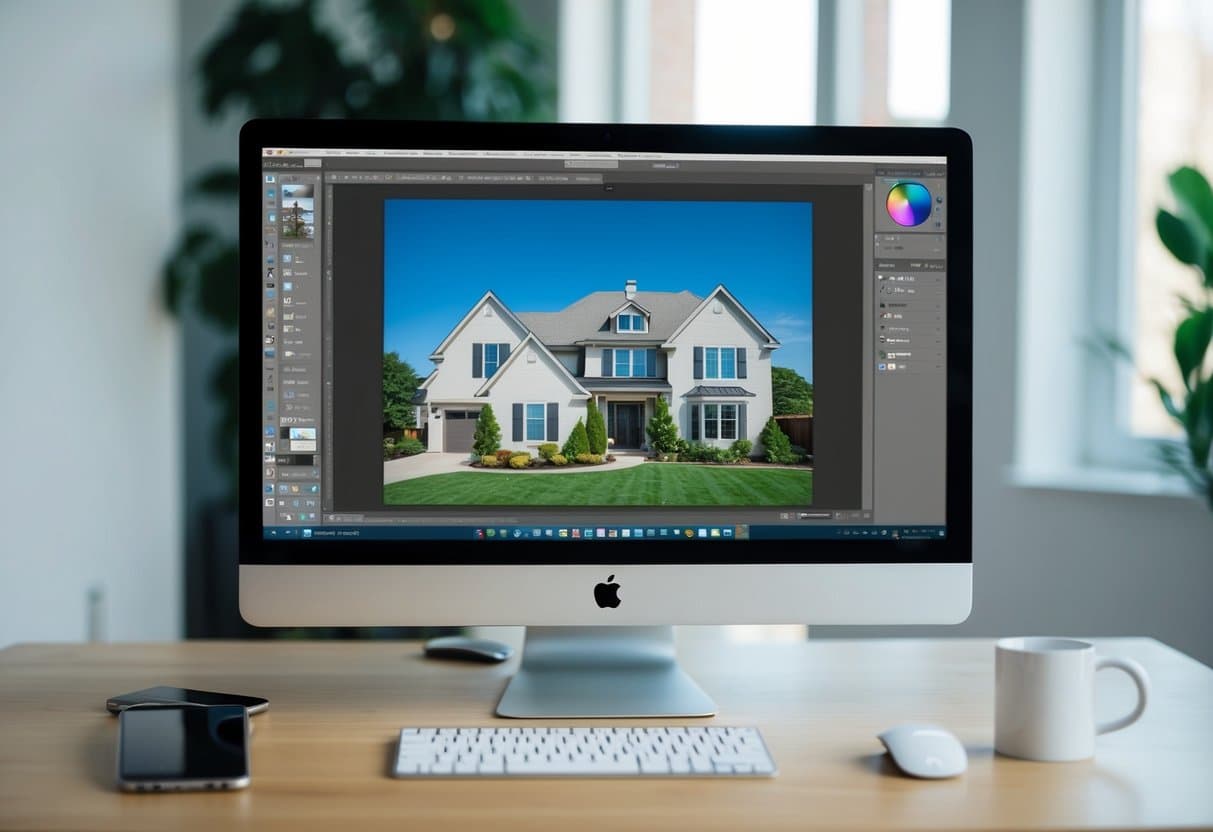

As a real estate photo editor, you have to learn many tricks and editing techniques just to perfect an image.
With different available editing software, you need to become a versatile editor. You should be able to edit images regardless of what software you have.
So, how do you do it?
You just need to master the practical editing skills.
There are so many editing tools present in a single software, but in this article, we will focus on clipping path and masking, what they use for, and how they differ from one another.
Let us discuss first the similarity of these two.
Clipping path and masking are all photoshop techniques. Both are used to cut out the subject from the background.
However, using the clipping path and masking is an essential strategy to maximize these techniques’ benefit in photo editing.
We’ll tackle the steps on how to use them, but let us define each first.
What is a clipping path, and how to use it?
Clipping Path is a photoshop technique mostly used in photo retouching, color correction, and background removal.
Using this editing option starts with utilizing the pen tool to cut hard and sharp images or patterns. This requires real estate photo editors to be extremely precise and careful.
If you have hand tremors, it is likely to have cropped images that look unnatural. It is best to practice a steady hand-work to avoid this kind of unwanted result.
Here is a pro tip.
Try cropping the photo out as best as possible by getting close to the edges and cutting the straight lines.
What is masking, and how to use it?
Now, what about image masking?
Image Masking or Layer Masking is used for retouching more intricate details of images. For example, those photos with smoke, fur, human hair, lighting, and flames need a professional editor who masters the masking process.
Remember, this is an intricate process. It involves different editing tools combined just to make sure you do this correctly.
Among these tools are the background eraser, magic eraser, and color separation technique. If combined well, expect to have well-done masked images.
Given its complexity, image masking offers good quality images than what the clipping path does. This is one reason why editors who know masking are more preferred, especially when editing materials intended for real estate or commercial purposes.
How do they differ?
At the beginning of this article, we discussed the similarity between these two techniques.
From the definitions and explanations above, you can immediately spot the difference as well. Yet, as part of the recap, let us highlight it this time.
- Clipping Path uses the pen tool to remove the background.
- It is best for editing small and straightforward shapes and patterns.
- Image Layer requires various tools and is mainly applied for complex images.
- They can be interchangeable with each other.
Then again, you should remember that using a clipping path for images with many turns and curves can yield unrealistic images compared to image masking.
Still, both of these techniques are helpful in photo editing, especially in real estate photo editing. Make sure to secure compelling property images that generate leads and create conversions.
Remember that listings without any accompanying visuals are dull. Furthermore, they are more likely not to be performing at all.
If you need professional photo editors to help you in real estate photo editing, get in touch with Phixer’s team of expert editors, anytime and anywhere.
We’ve made everything easy for you, too! Try Phixer today and discover the endless possibilities you can have without spending much time and money.